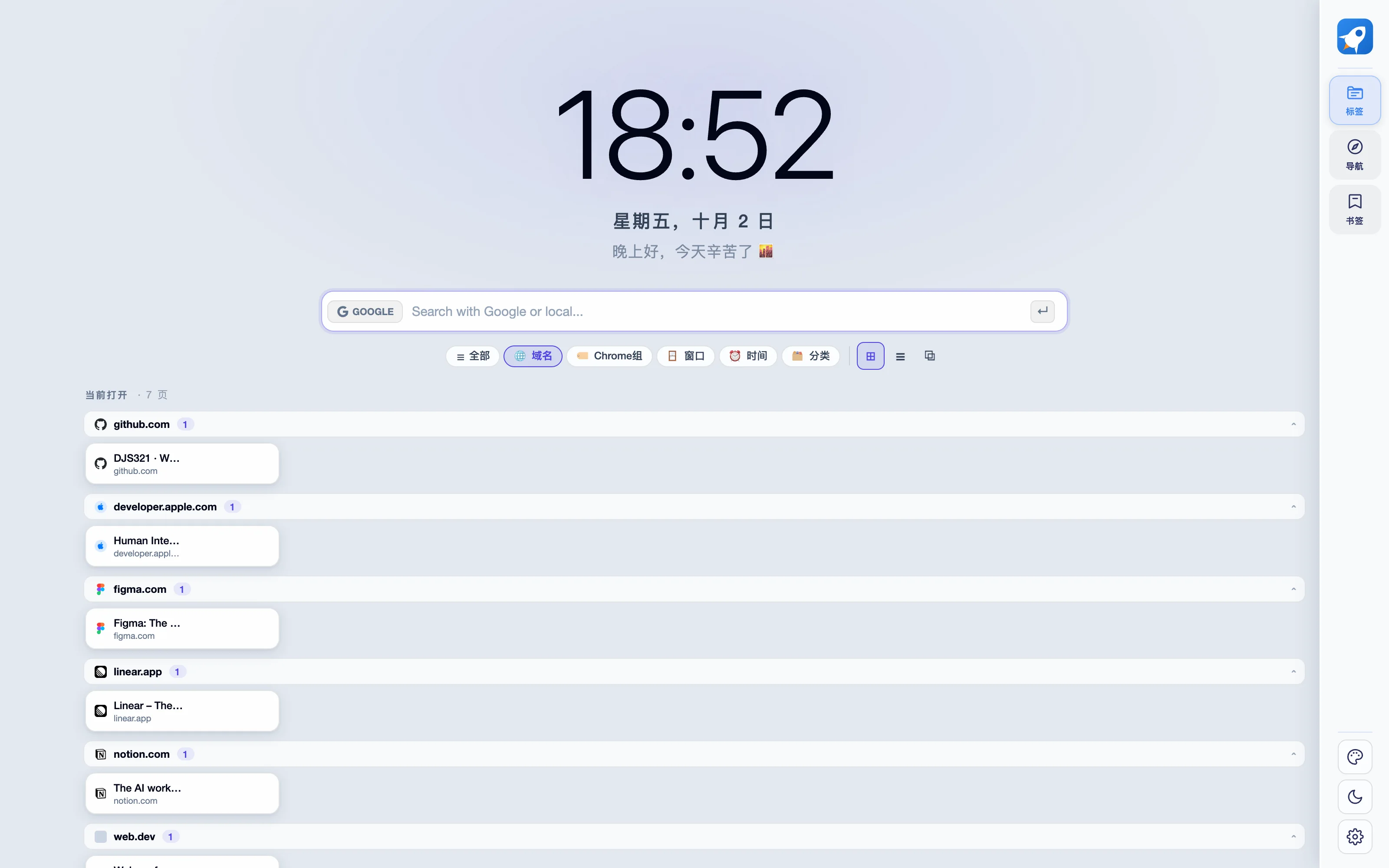
Keep material you can find again
Separate temporarily open pages from material you want to revisit. Use the extension's organization and archive controls to retain useful references before dealing with pages you no longer need. Check that material can be recovered; a smaller tab count does not mean the research or work is finished.
Connect references with action
When a compatible desktop app is available and paired, send actionable material into DJS321 through the controlled local bridge, then schedule it yourself. The extension and app can also be used independently. You do not need a separate account just to organize tabs without the desktop bridge.
Try a few dedicated test tabs first
Before using the preview for real work, open a few pages without sensitive content and verify organization, archiving and recovery. App connection is optional and first pairing requires confirmation. Read the permission details instead of handing over working tabs to an unverified build.
Know the manual-install boundary
The website provides a preview ZIP for desktop Chrome or Edge. Enable developer mode and load its extracted folder. It has not passed extension-store review and has no store-managed automatic updates; updates require a new download. The download section includes permissions, network behavior, version and checksum.