Capture before you schedule
Put ideas, reading material and follow-ups in the Inbox before assigning every item a date. During planning, separate the results that matter this week from work that can wait. Moving an entire backlog into seven days is not the same as making a realistic commitment.
Plan around outcomes
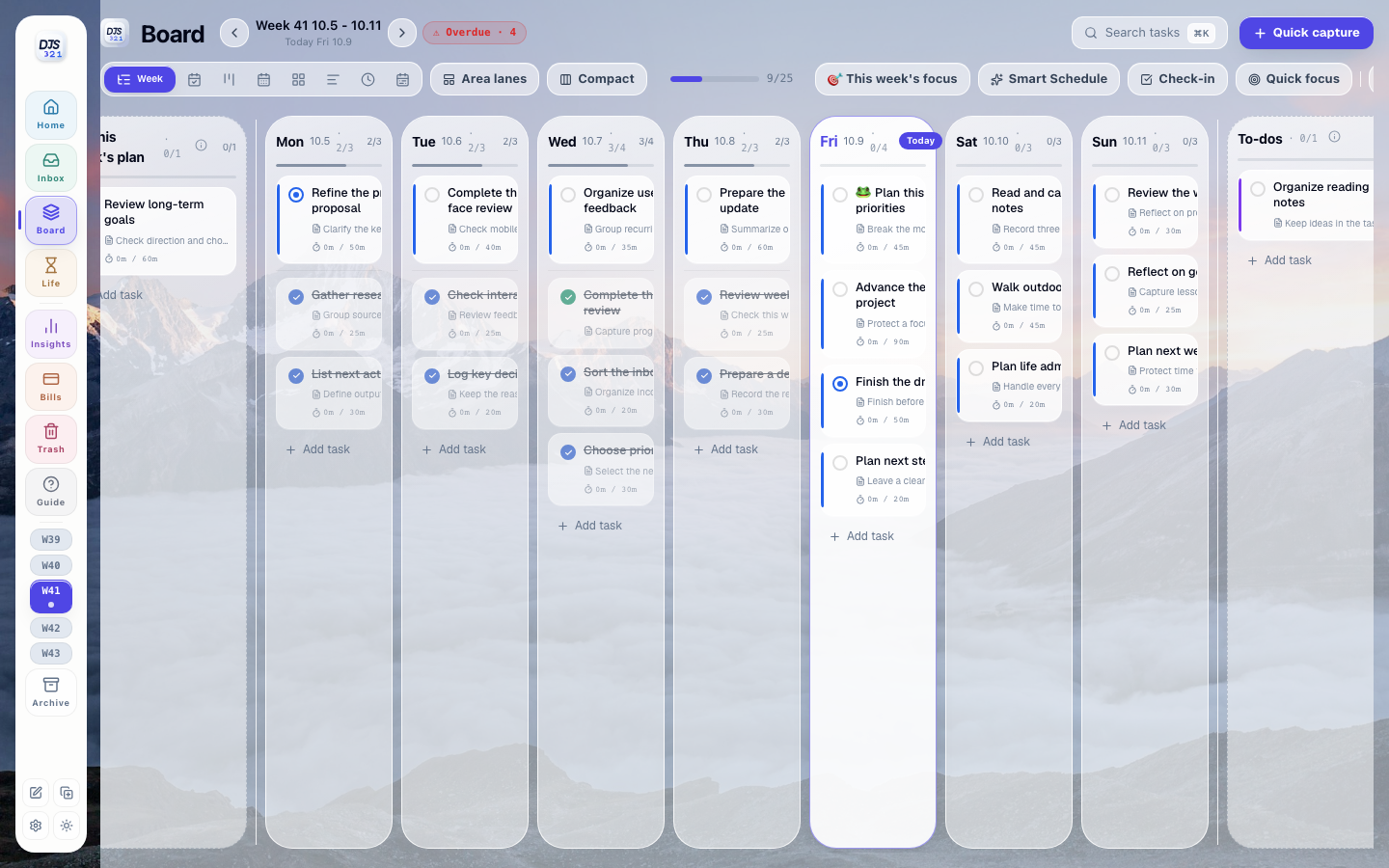
Allocate committed tasks to days in the week view. Start with a few important results and leave room for changes. When a day is full, move work rather than adding more. Switch to the day view when you need a clearer execution order; both views use the same tasks.
Choose one priority for today
Select one important task from the day you have planned and move it forward first. Use the Pomodoro timer to protect a focused work session, not to force every task into the same rhythm. Change the plan when circumstances change instead of treating yesterday's estimate as an obligation.
Review before starting again
At the end of the week, inspect what was completed, where estimates differed from effort and which unfinished tasks still matter. Carry forward useful commitments and reconsider the rest. Next week should use what you learned rather than reproduce the same oversized list.